Tidy cables
Simple clips, ties or a cable tray reduce clutter and make it easier to clean and move equipment.
You do not need an expensive room makeover to enjoy your games. This guide covers seating, screen placement, audio and small practical improvements for both PC and console players.

Comfort starts with where you sit. For PC players, a chair that supports your lower back and can be adjusted in height is a solid foundation. Many people find that sitting with feet flat on the floor and elbows roughly level with the desk feels natural. If your desk is too high, a footrest or cushion can help.
Console players on the couch can benefit from a supportive cushion and a position that avoids twisting or leaning forward for long periods. Whatever your setup, the best seat is one you can stay in comfortably while still changing position now and then. If you have ongoing discomfort, a qualified health professional can offer personalized advice.
Where you put your screen affects both comfort and how much you enjoy what is on it. At a desk, many players place the monitor about an arm's length away, with the top of the screen roughly at or slightly below eye level. This can help you look at the center of the screen without tilting your head up or down too much.
For a television, distance depends on the screen size and your seating. Sitting too close can make it hard to take in the whole picture, while sitting too far can make details difficult to see. It is also worth reducing glare by keeping bright windows and lamps from reflecting directly off the screen. Many displays include a game mode that can reduce input delay, so check your television or monitor settings.
Sound plays a big part in many games, from atmospheric music to footsteps that warn you of danger. Headphones or headsets are a popular choice because they offer clear, focused audio and let you play without disturbing others. A headset with a microphone is useful for online games with voice chat.
Speakers can create a more relaxed, shared experience, especially in a living room. Whichever you choose, keep volume at a comfortable level, particularly during long sessions with headphones. Within the game, adjusting separate volume sliders for music, effects and dialogue can make important sounds easier to hear without turning everything up.
These modest changes can make a gaming space feel more pleasant and practical.
Simple clips, ties or a cable tray reduce clutter and make it easier to clean and move equipment.
A lamp or light strip behind the screen can make the room feel less harsh during evening sessions.
A dedicated place to charge controllers and headsets means they are ready when you want to play.
A shelf or box for controllers, discs and accessories keeps everything in one place.
Keeping a drink nearby, on a stable surface away from electronics, makes it easier to stay hydrated.
Both consoles and gaming PCs produce heat, and they need airflow to stay cool. Avoid placing a console inside a closed cabinet or tightly against a wall, and keep vents clear of dust, fabric and other objects. For PCs, check that intake and exhaust fans are not blocked and that the case is not pushed into a corner with little air movement.
Cleaning dust from vents and filters from time to time, following the manufacturer's guidance, can help your equipment run quietly and reliably. A well-ventilated, tidy setup is not only better for your hardware; it also makes the space more pleasant to spend time in.
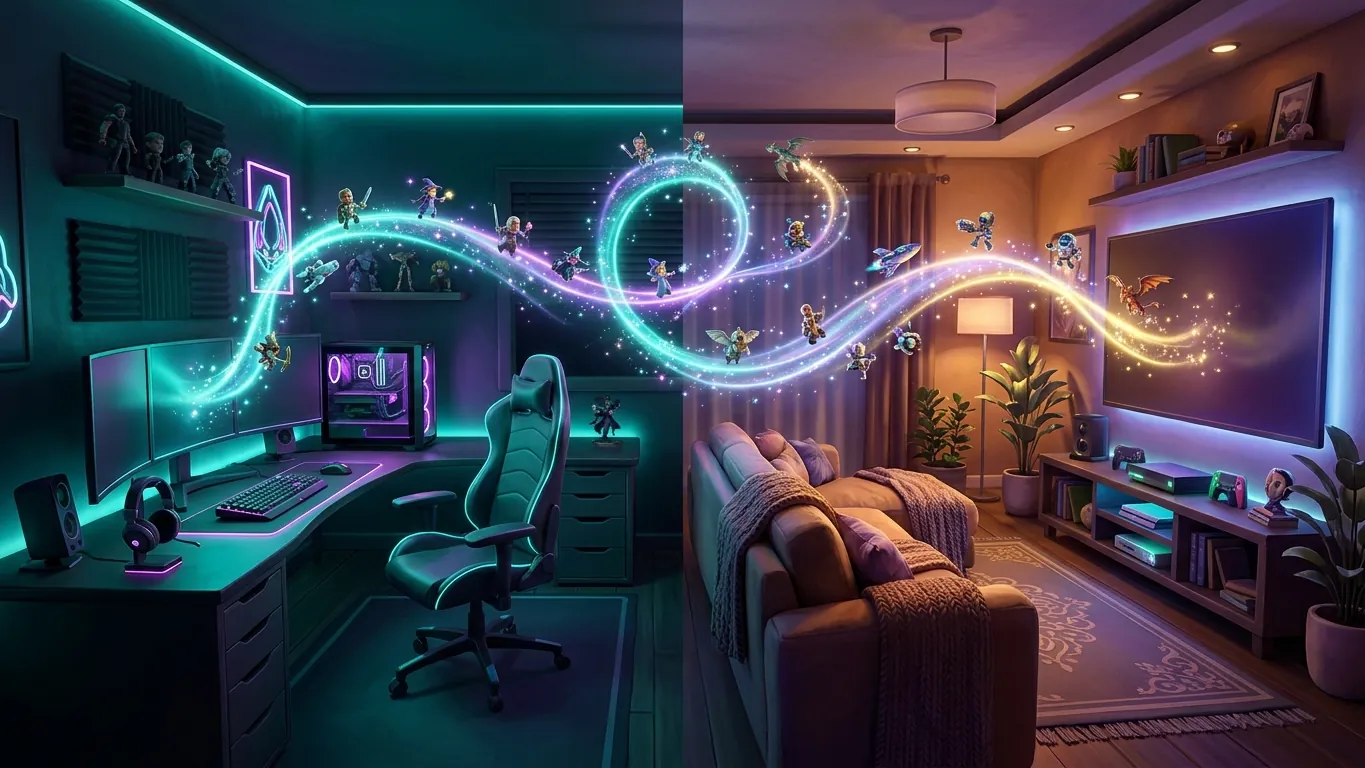 PC or console: how to choose your gaming platform
A balanced look at PC and console gaming: what each platform offers, the trade-offs involved and the questions to ask before you decide.
Read more
 A beginner's guide to video game genres
New to games or curious about something different? This guide explains common video game genres and how to find a good starting point for you.
Read more